Ghost Touch on Mobile Screen – Causes, Fixes & Repair Guide
Ghost Touch on Mobile Screen – Causes, Fixes & When to Replace Your Display
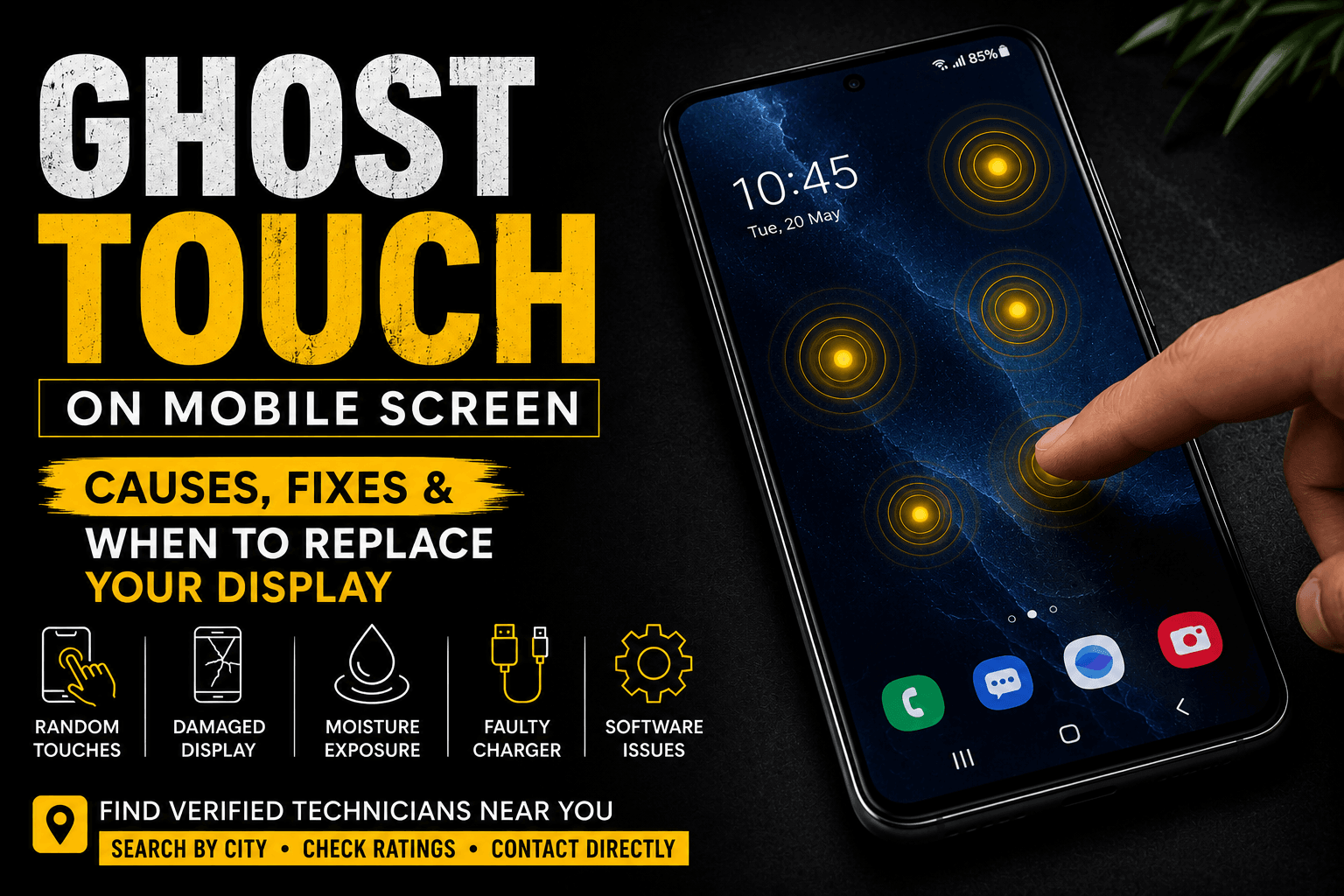
Have you ever noticed your phone opening apps, typing random letters, or scrolling on its own without touching the screen? This problem is known as Ghost Touch.
Ghost touch is a common issue on Android and iPhone devices. It can be caused by software glitches, hardware damage, moisture, poor-quality accessories, or a faulty display panel. Understanding the real cause can help you avoid unnecessary repairs and choose the right solution.
What Causes Ghost Touch?
Several factors can trigger ghost touch on a smartphone:
- Physical damage after dropping the phone
- A damaged touchscreen digitizer
- Moisture or water exposure
- Low-quality screen protectors or phone cases
- Faulty charging cables or chargers
- Software bugs or outdated system updates
In many cases, hardware damage to the display or digitizer is the primary cause, especially if the problem continues after restarting the phone.
How to Fix Ghost Touch
Before replacing your display, try these simple troubleshooting steps:
- Restart your phone.
- Clean the screen with a soft microfiber cloth.
- Remove the screen protector and phone case.
- Test the phone with a different charger.
- Install the latest software update.
- Boot the device in Safe Mode to check for app-related issues.
If ghost touch still occurs, the display assembly or digitizer may need professional inspection or replacement.
Signs You May Need a Display Replacement
Your phone may require a new display if you notice:
- Random taps without touching the screen
- The screen typing by itself
- Apps opening automatically
- Touch issues after a screen replacement
- Ghost touch only in one area of the display
These symptoms often indicate a damaged touchscreen digitizer or display hardware.
Why Choose a Verified Technician?
A high-quality display is only part of a successful repair. Proper installation is equally important.
Choosing a verified technician helps reduce the risk of:
- Poor display installation
- Touch calibration problems
- Low-quality replacement panels
- Repeat repair costs
Find Verified Technicians with Sunlong Pakistan
Sunlong Pakistan connects customers with verified mobile technicians across Pakistan.
Using our Store Locator, you can:
- Search technicians by city
- View customer ratings and reviews
- Contact technicians directly
- Find trusted repair experts near you
Sunlong Pakistan supplies high-quality mobile panels to its verified technician network, helping customers access reliable repair services.
Final Thoughts
Ghost touch should never be ignored. Identifying the cause early and choosing a trusted technician can help restore your phone’s performance and prevent further damage.
Visit Sunlong Pakistan to find a verified technician in your city.
Stay connected with Sunlong Pakistan through our Website, Store Locator, Facebook, Instagram, and Tiktok.
Powered by Sunlong Pakistan
#GhostTouch #MobileScreen #Touchscreen #ScreenReplacement #DisplayRepair #VerifiedTechnicians #SunlongPakistan